Setting up payments
Written By Benjamin McBrayer
Last updated 8 months ago
Fika uses Stripe Connect to handle all payments. When you enable monetization, Stripe creates a dedicated account linked to your Fika publication. Stripe is available in these countries.
You don't need an existing Stripe account. This connected account is yours: it holds your earnings, your payout schedule, and your identity verification.
How to set up Stripe Connect through Fika
You can access the monetization page in several ways, but the easiest way is through the top bar on the Publication page.

Step 1: Create your Stripe account through the Monetization menu
Stripe handles identity verification, compliance, and fraud monitoring directly. Fika never holds your money. Funds from subscribers flow straight into your connected Stripe account. Here’s how to set up your Stripe account through Fika.
Click Monetization
Scroll to Enable payments
Select your country from the dropdown
Read and click to agree to the terms and conditions.
When you are ready, click Create Account with Stripe
Wait a few seconds for the Stripe setup page to load. You will continue setting up your account by following the instructions onscreen.
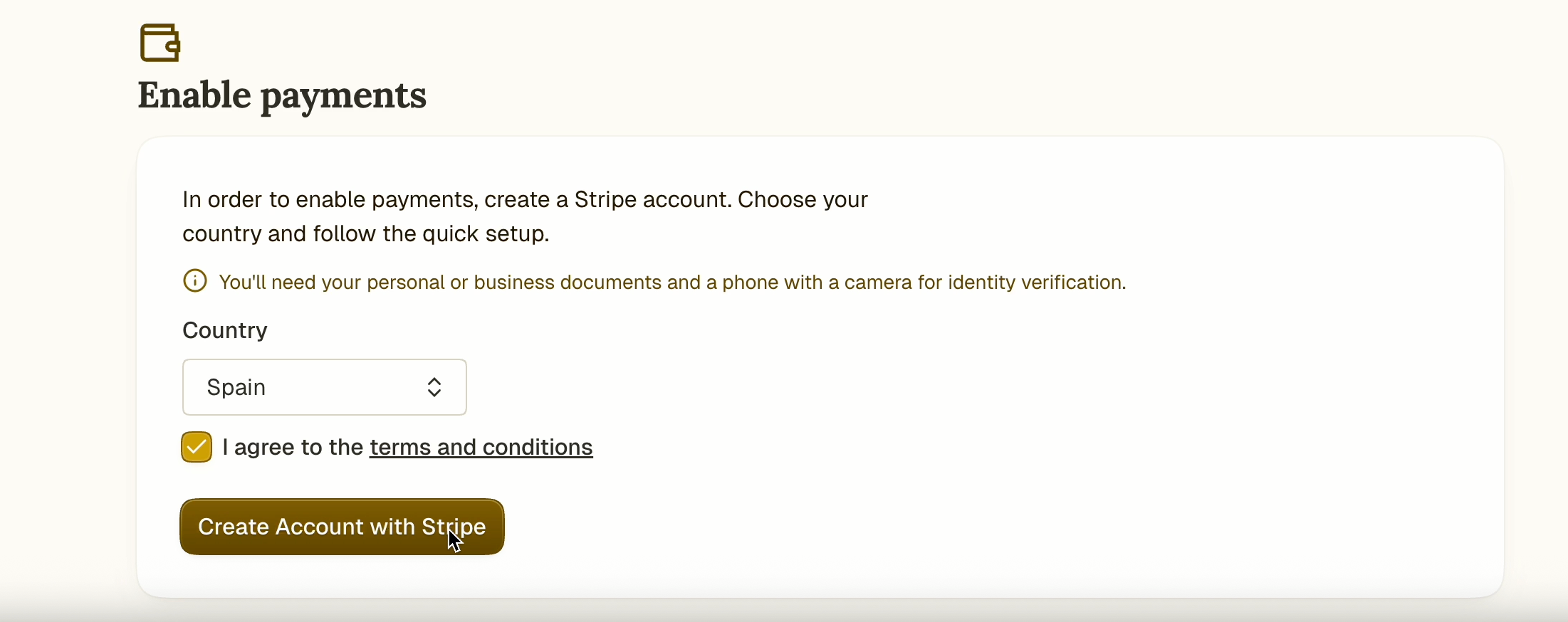
Note: If you started setting up your account, but didn’t finish, you'll see a Continue setup button on the Monetization page to pick up where you left off.
Step 2: Follow the instructions to create your Stripe account
Follow the onboarding instructions that appear onscreen to create your Stripe account.
Add your email address
Create a password
Optional: You can also create an account by choosing Sign in with Google. To do this follow the instructions that appear after clicking the sign in button.
Set up 2-Factor Authentification by scanning the QR code on the screen with an authenticator app like Google Authenticator.
Enter the code from the authenticator and click Next.
Save the recovery code and click Next.
Enter all details requested on the next page.
Legal name
Email address
Date of birth
Home address
Phone number
Citizenship of the country you added (for identification steps later)
Nationality (for identification steps later)
Once you have filled in your personal details, click continue.
On the next page, you have the option to add your VAT number.
Fill in a few extra details regarding your industry and source of income.
For earning from Fika, select Blogs & Written content.
To describe your business, write something like “I write articles online and earn money with paid subscriptions.”
Click continue.
Add a bank account for payouts and set up your payout schedule.
Add and confirm your IBAN
Set your currency
Select your payout schedule
Click continue.
Fill in more information for your invoices and click continue.
Review and submit your information.
Verify your identity using official documents and the camera of your mobile device.
3. Start earning on Fika
When you are finished, this screen will appear.
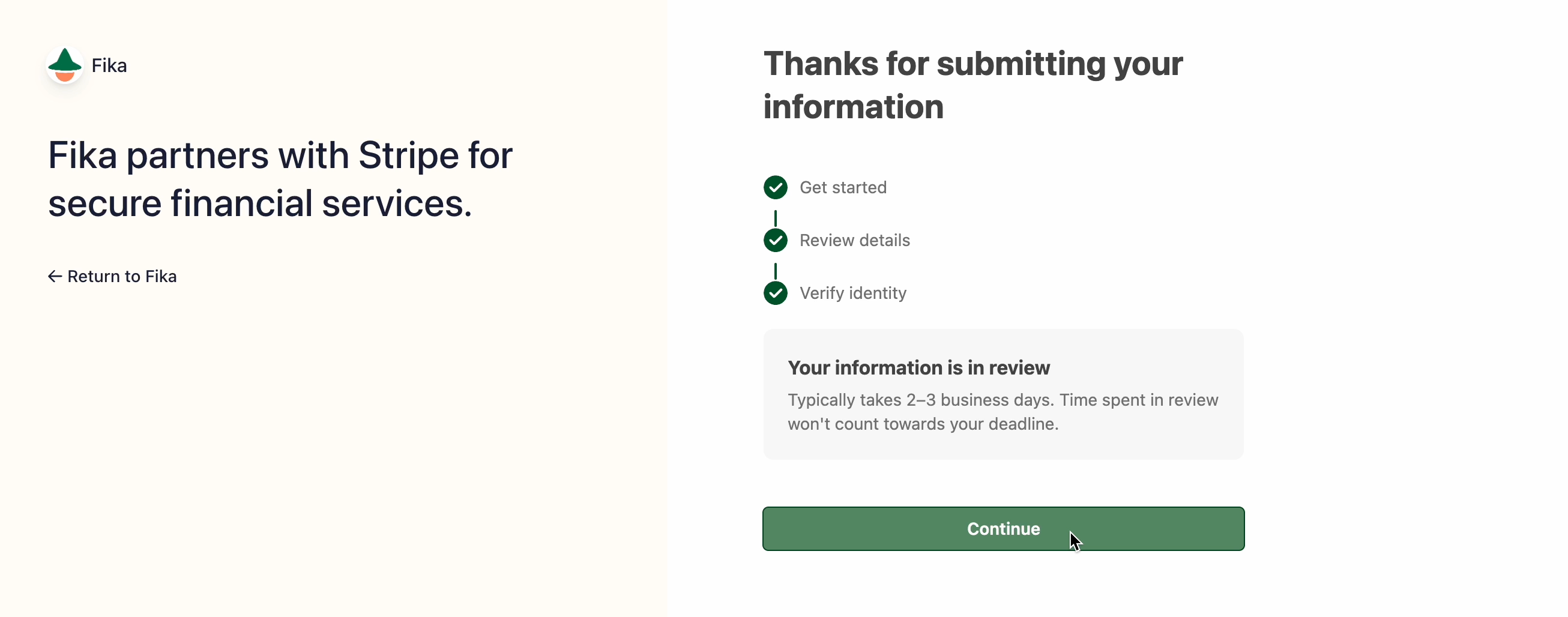
Processing your information and approving your Stripe account will take 2-3 business days. Once your Stripe account is set up, you can start earning on Fika!
Can’t find the answer you are looking for? Ask the Fika Team by clicking on the chat icon in the bottom right corner of your screen. Need a certain feature? Tell us about it in detail on the Feedback page.
Was this helpful?
Still need help? Ask the team