How to import contacts to Fika
Written By Benjamin McBrayer
Last updated 7 months ago
If you have readers on another platform you can easily move them to Fika.
In order to move your subscribers from one platform to another, you will first need to export the list of their contact details, including their email addresses.
Next, you will have to import this list of email addresses to Fika. You can do this by navigating to your publication settings and scrolling down to the Import section.
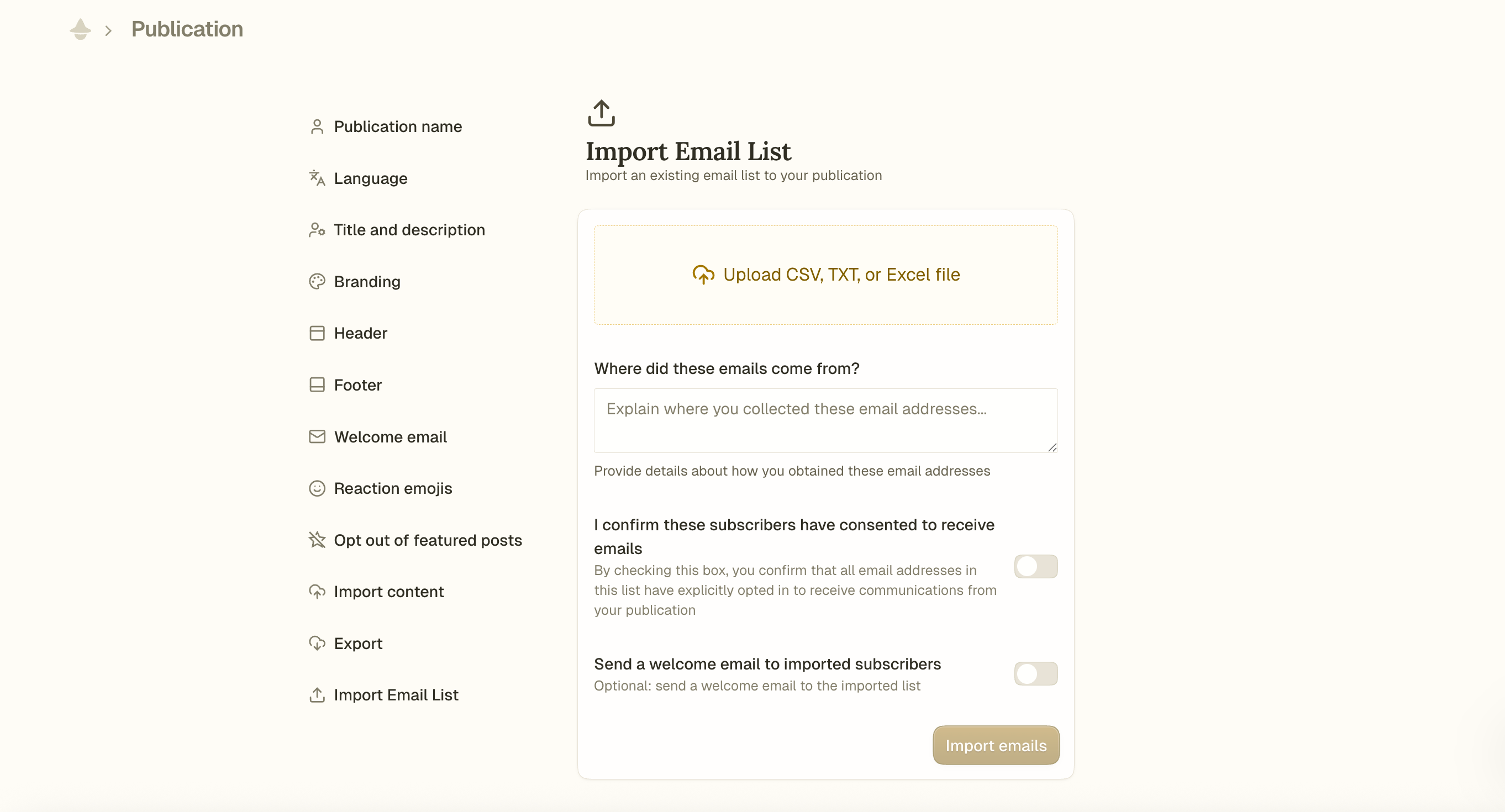
You can import your list of contacts as a CSV, TXT, or Excel file.
In order to comply with privacy and data protection standards, we ask you to confirm that the subscribers you import have consented to receiving emails from you. Please toggle the button on in order to confirm this, and write a short description of how you acquired these email addresses.
Please note that in order to combat spam on Fika, we will not be able to approve your import request if you cannot prove the origin of your contact list.
Optionally, you can choose to send a welcome email to imported subscribers.
Was this helpful?
Still need help? Ask the team