How to archive a post
Written By Benjamin McBrayer
Last updated 8 months ago
Archiving a post hides it from your publication.
Follow the steps below if you do not want a certain post to appear on your profile anymore.
Access the post that you want to hide from your profile.
Click on the gear icon (settings) in the top right corner.
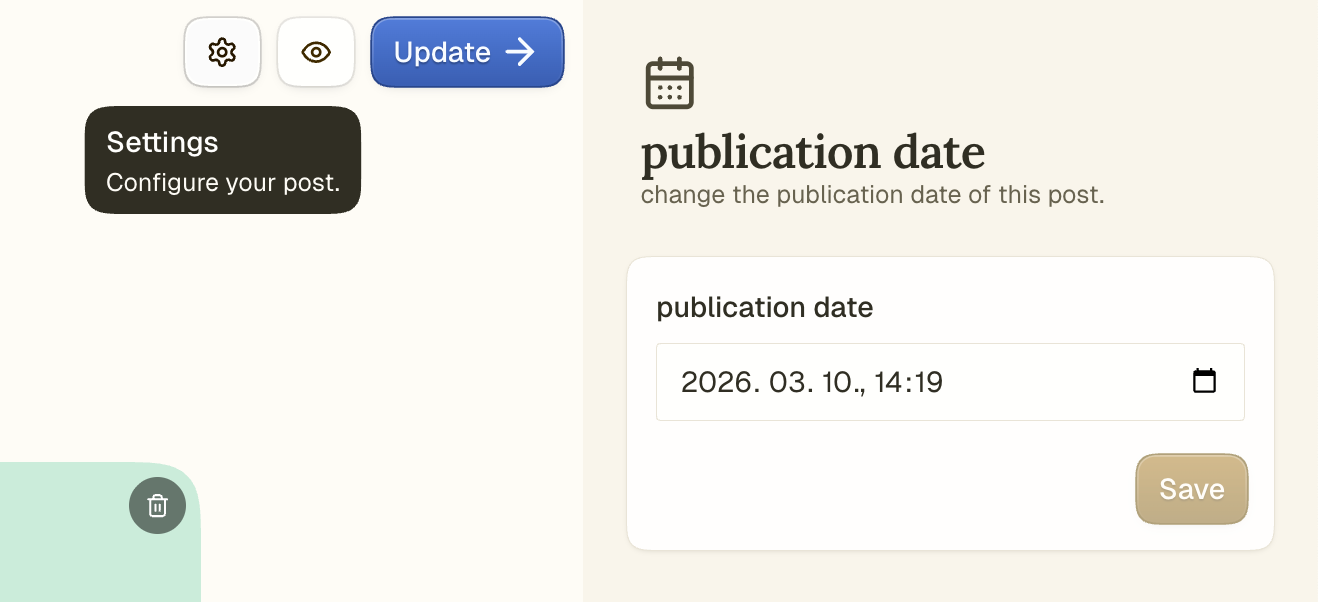
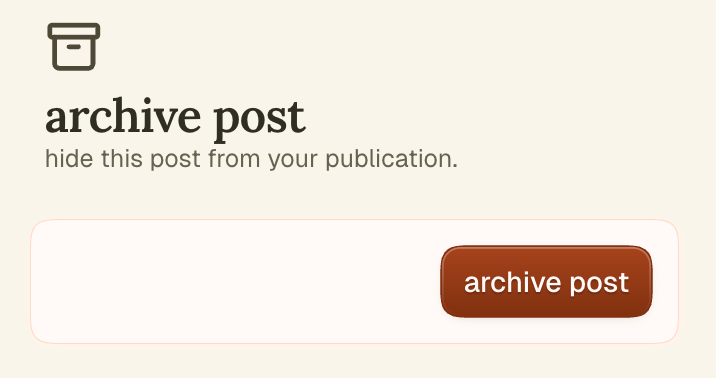
Scroll down in the sidebar and click Archive post. Your post will now be hidden from your publication.
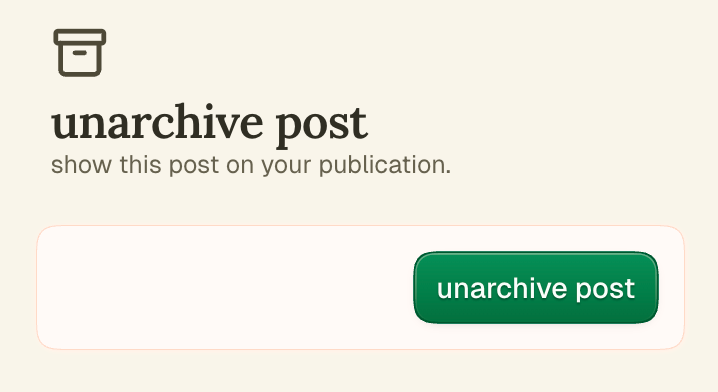
An archived post can be removed from your archive and set to be visible publicly again. To do this, access the post and click Unarchive post.
Was this helpful?
Still need help? Ask the team