How to auto-translate your article on Fika
Written By Benjamin McBrayer
Last updated 8 months ago
An favorite tool of writers on Fika is the auto-translator. This tool helps you auto-translate your article of writing so that you can share it more than one language, potentially reaching a wider audience.
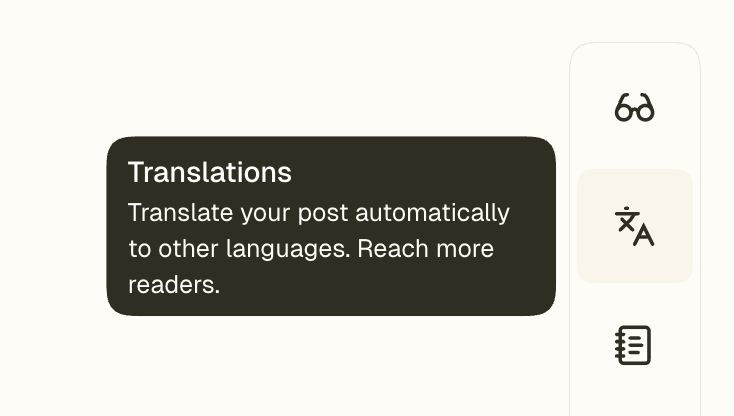
To use the translation tool, go to the side bar of your publication and click Translations.
Check the boxes of the languages you would like your publication to be available in.
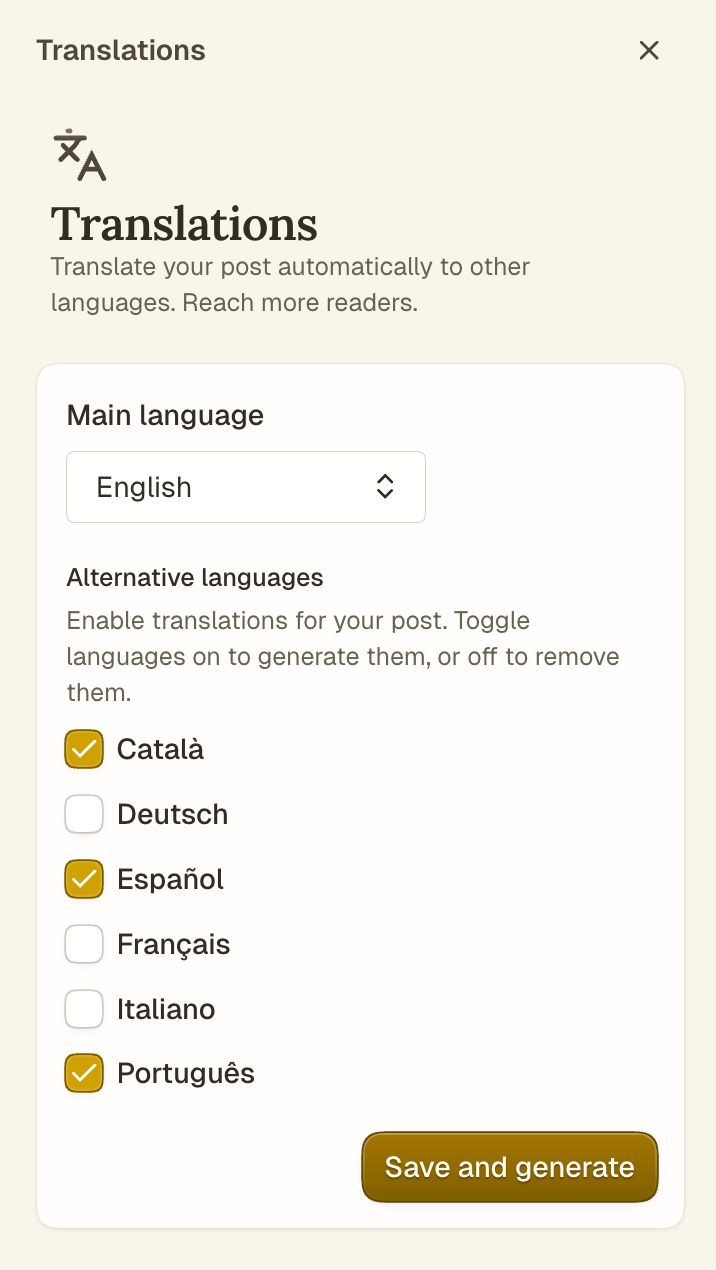
Click Save and generate and wait for the translation to be generated.
Your translations will appear under the featured image of your article when they are finished. Note: if you make any changes to the contents of your article, you will have to update the translations as well. A small warning sign (pictured below) will appear if translations are not up to date.

You can update translations by navigating the translations one-by-one and clicking Update it.

Another way to update translations is by navigating to the side bar, unchecking the boxes, removing the existing translations, and then repeating the process of generating the translations.
Was this helpful?
Still need help? Ask the team