How to change image sizes in your post
Written By Benjamin McBrayer
Last updated 9 months ago
You can adjust the size of images in your Fika posts to better match your content.
Available Sizes
There are three predefined image sizes:
Small
Medium
Big
How to Change Image Size
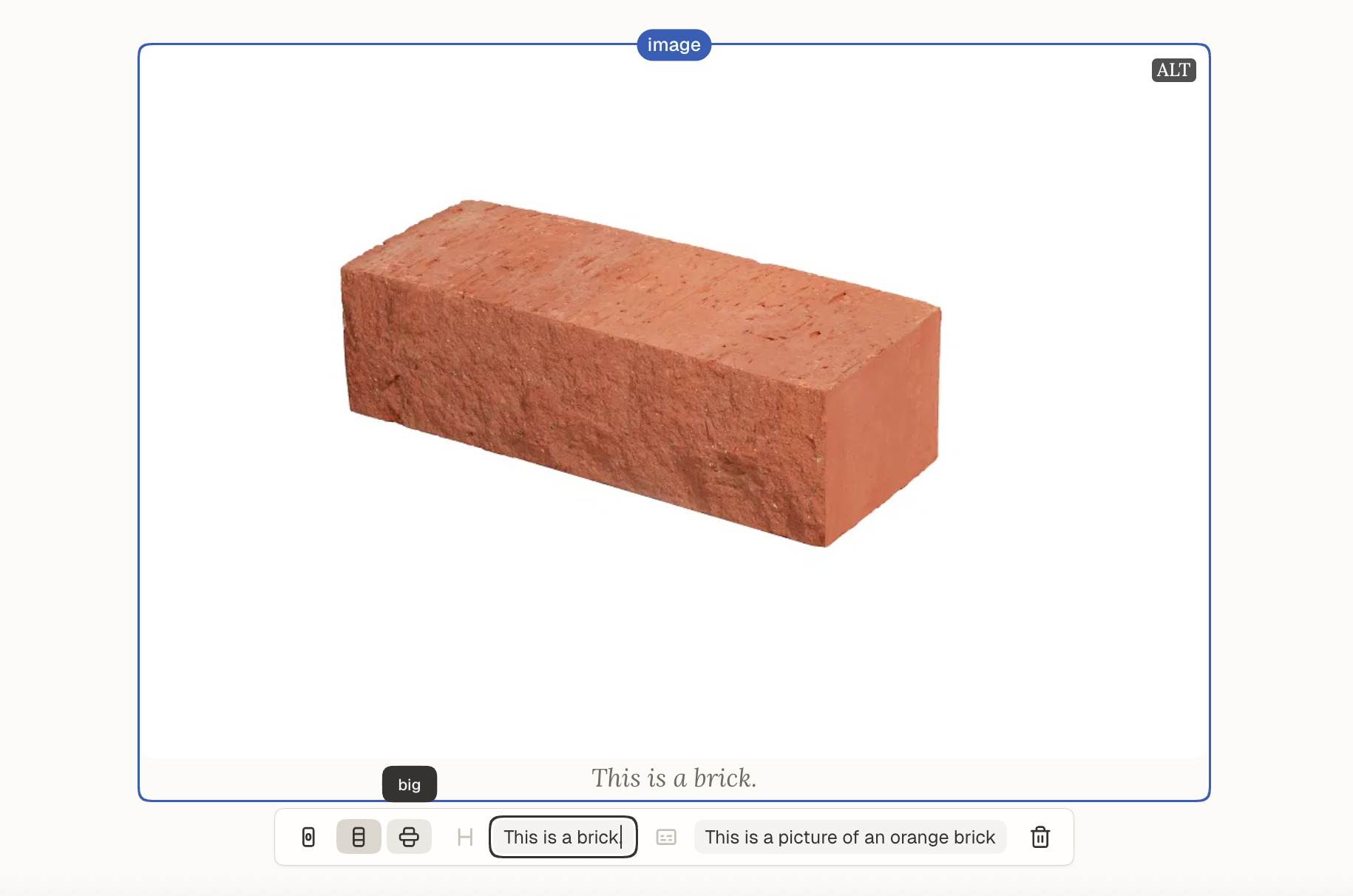
Add an image to your post by clicking the media icon or drag-and-drop.
Click on the image.
Select your preferred size at the bottom of the image: small, medium, or big.
Changing image size helps you control the structure and visual flow of your post.
Was this helpful?
Still need help? Ask the team