How to change your name and bio on Fika
Written By Benjamin McBrayer
Last updated 6 months ago
You can change your name and your bio by clicking on the profile icon in the top right corner.
This will take you to your publication settings.
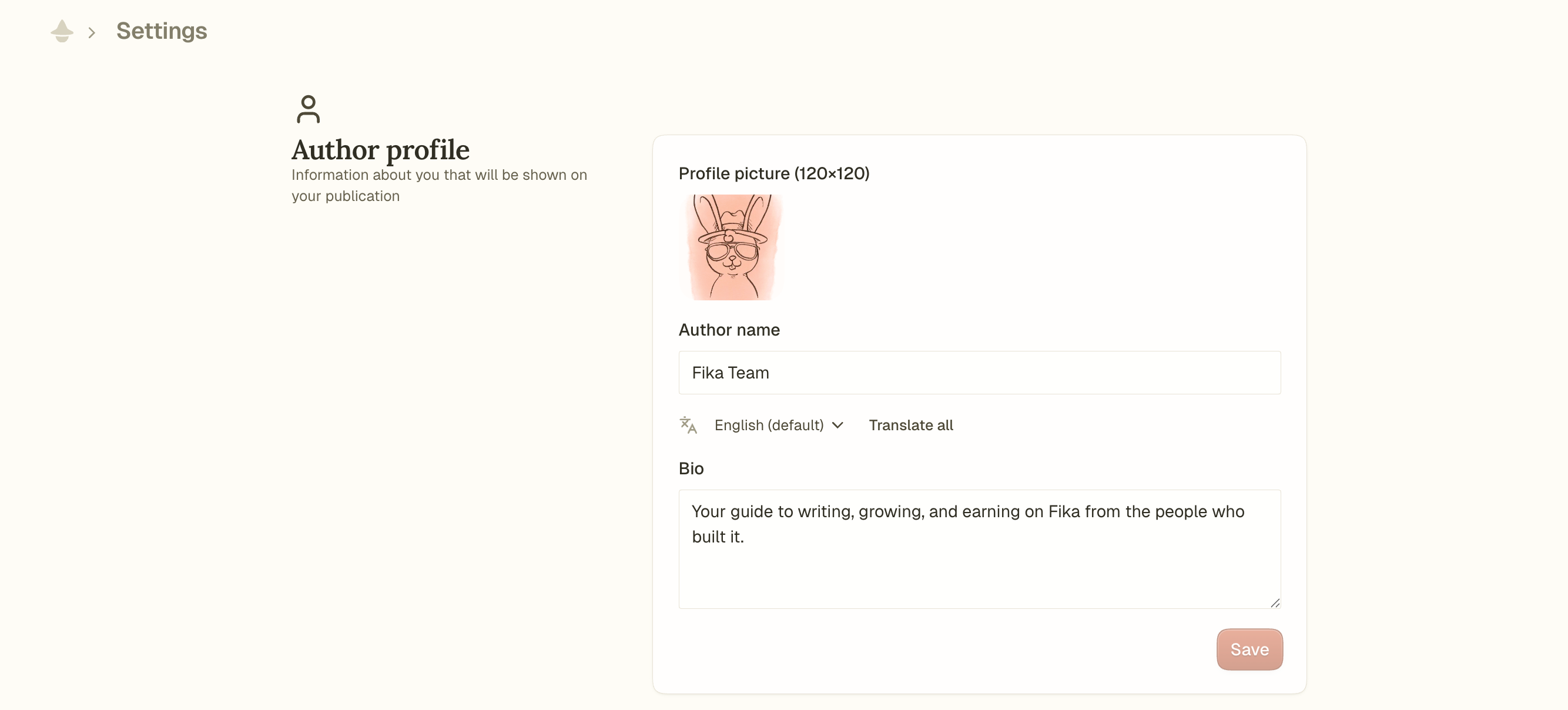
You can simply type in your new name and edit your bio by clicking and typing.
To change your name and bio, remember to hit save.
Was this helpful?
Still need help? Ask the team