Setting up translations on Fika
Written By Benjamin McBrayer
Last updated 8 months ago
You can set up your preferred languages in your Publication settings. To access your setting, go to your publication dashboard and click on the gear icon in the top menu bar.

Scroll down to the Language settings. Here, you can set the language that your publication appears in and choose which languages are available for translation.
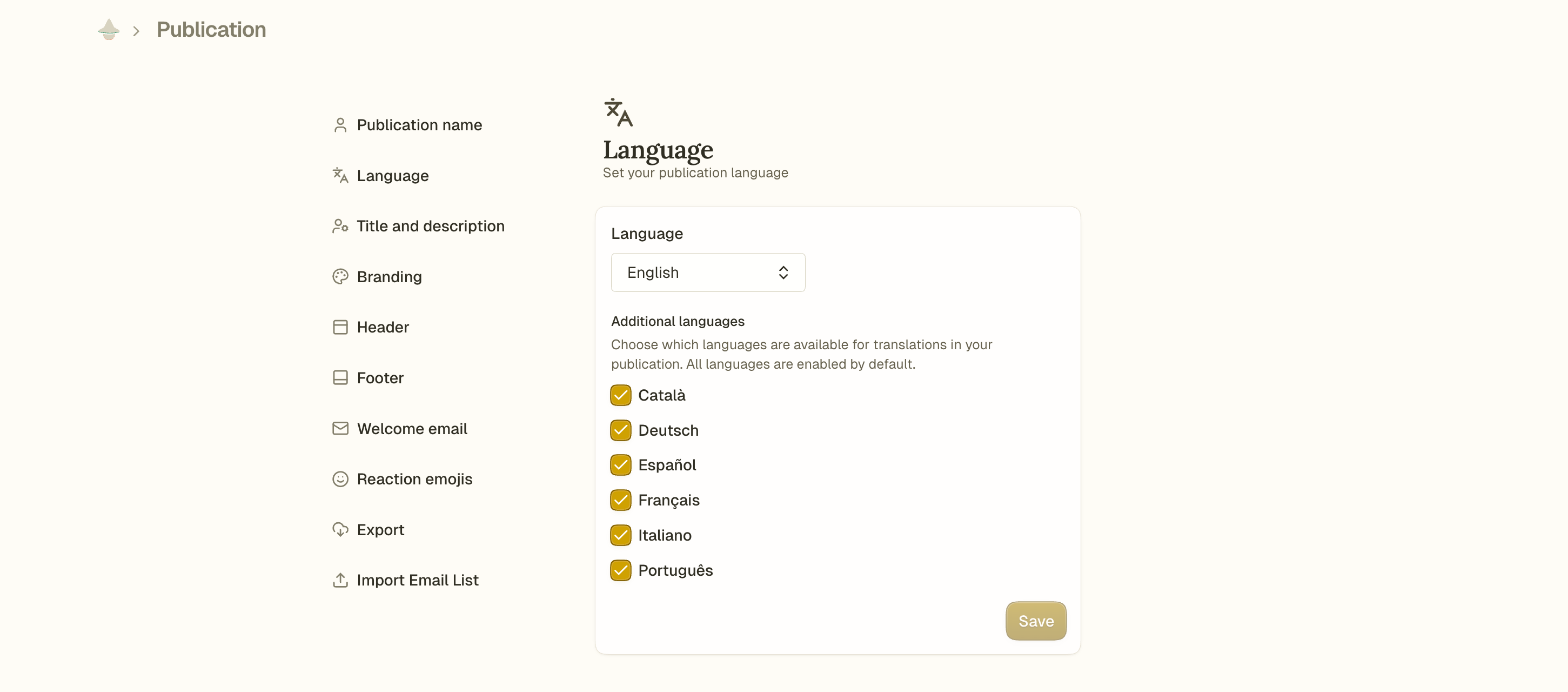
Once you set up which languages are available, you can generate translations for those languages of each article. Read our guide to learn how to create auto-translations.
Was this helpful?
Still need help? Ask the team