How content access works on Fika
Written By Benjamin McBrayer
Last updated 8 months ago
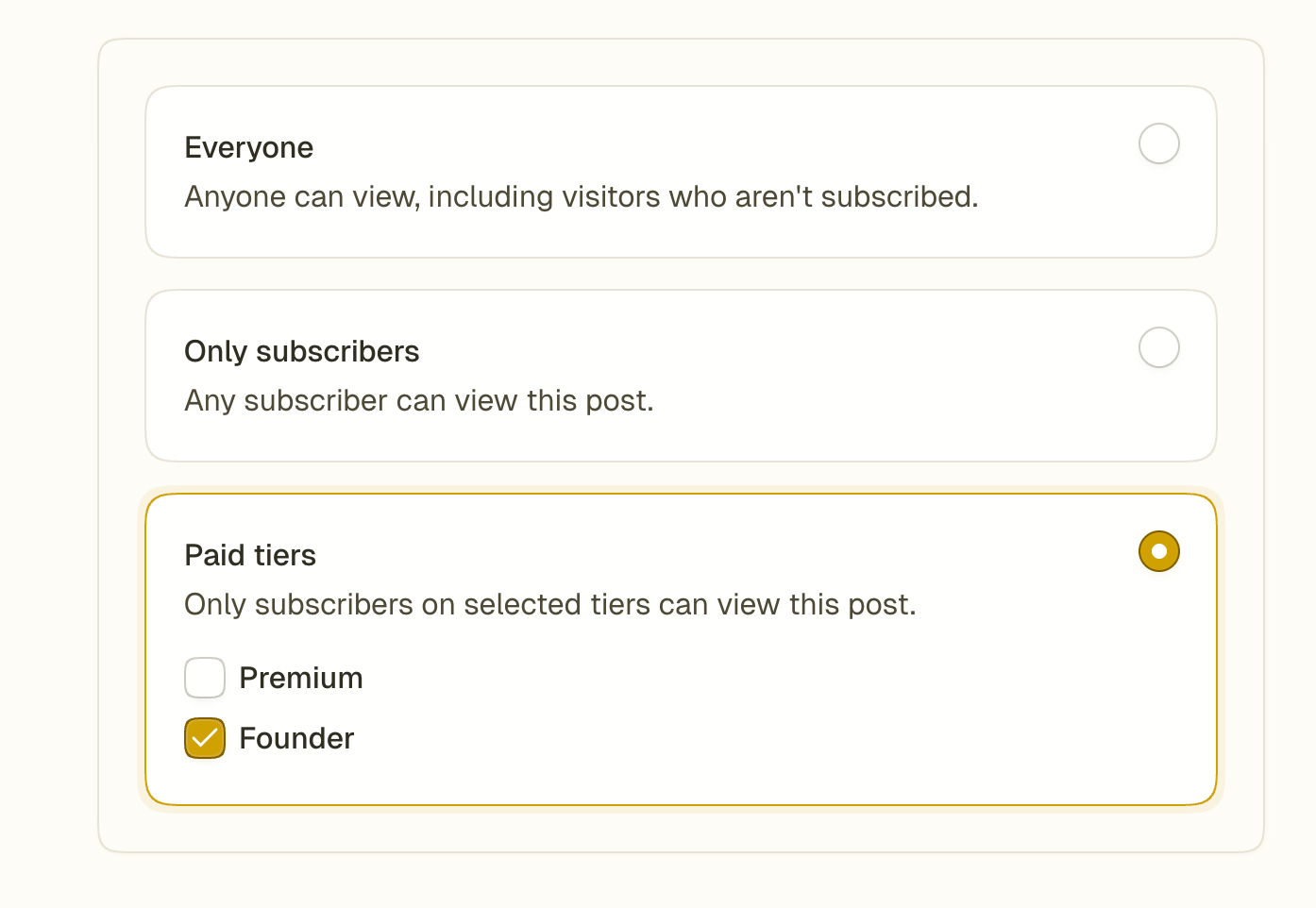
Fika gives you full control over who can read each piece of content. Every post you publish can be set to one of three visibility levels:
Public: Your post can be read by anyone. No account or subscription (free or paid) required.
Subscribers only: Your post can be read by anyone who follows your publication, even on the free plan.
Paid tiers: Your post can be read only by readers on a specific paid tier of your publication. You can set up one or more paid tiers and you decide what content can be accessed by each tier.
To learn more read our guide on setting up subscription tiers.
You set the access level before publishing each post from the Editor or the Publish page.
You can find the access controls on the right side of the Editor
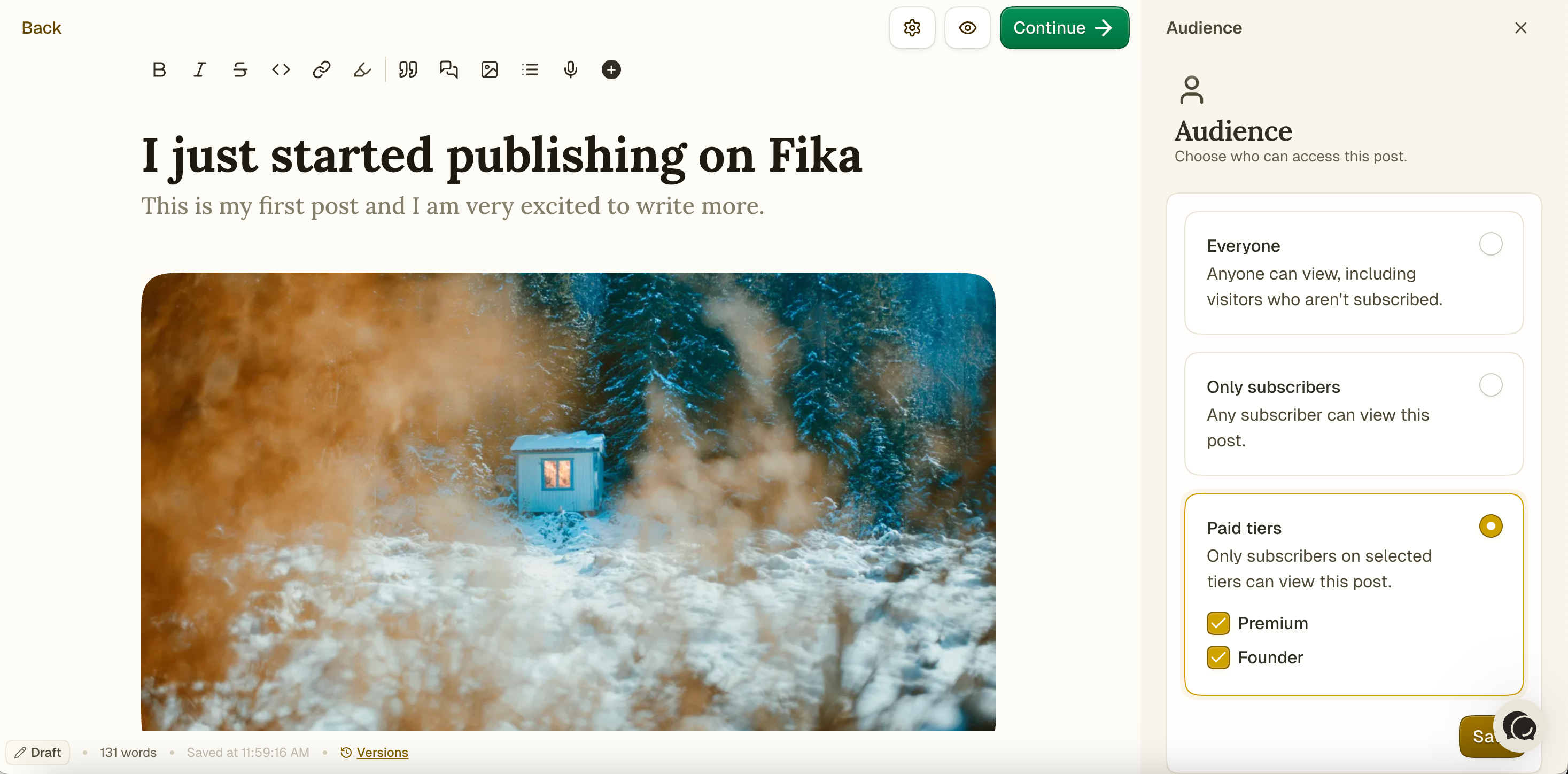
You can find the access controls in the center of the Publish page.
Can’t find the answer you are looking for? Ask the Fika Team by clicking on the chat icon in the bottom right corner of your screen. Need a certain feature? Tell us about it in detail on the Feedback page.
Was this helpful?
Still need help? Ask the team