How to create subscriber tiers
Written By Benjamin McBrayer
Last updated 8 months ago
After completing Stripe onboarding, go to Publication → Monetization to manage your tiers.
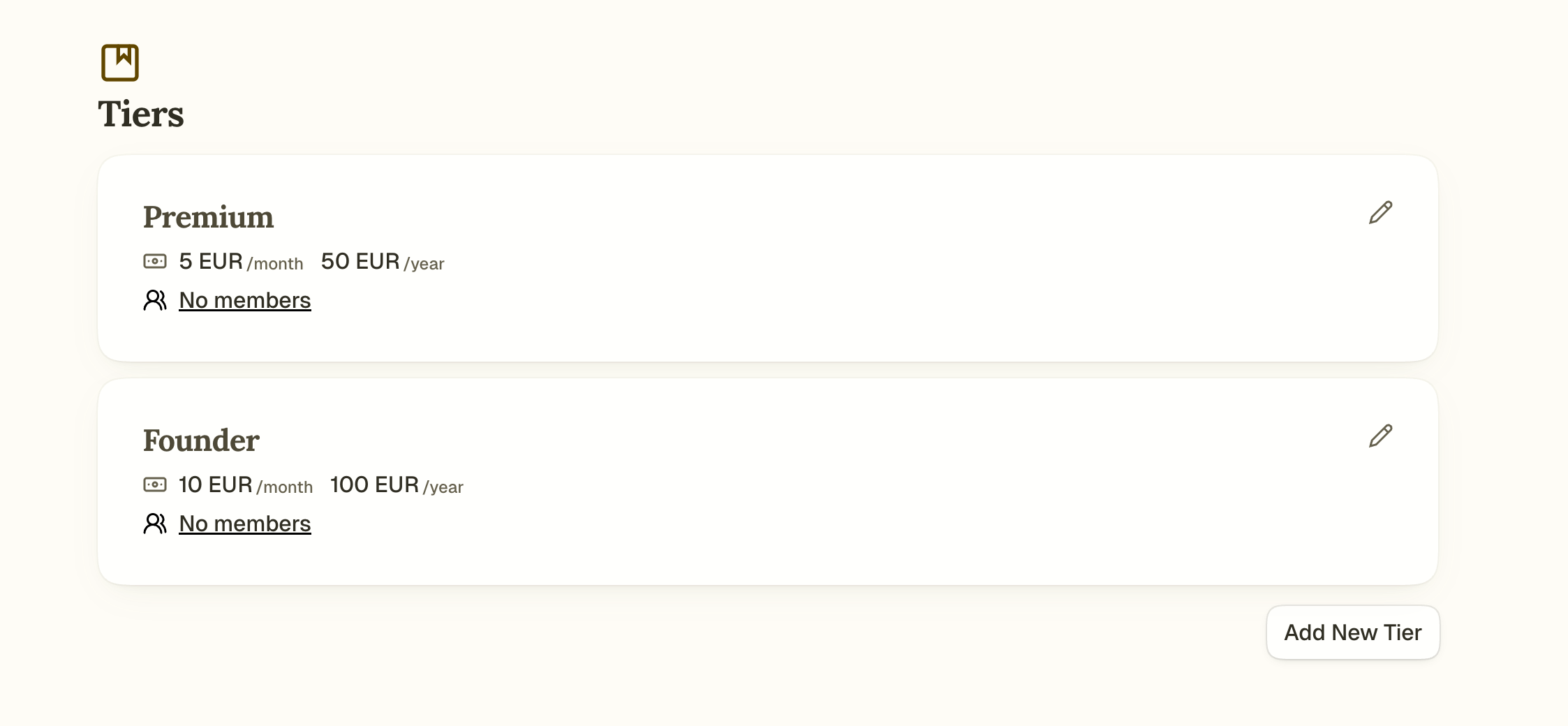
Go to Publication → Monetization and click Add New Tier.
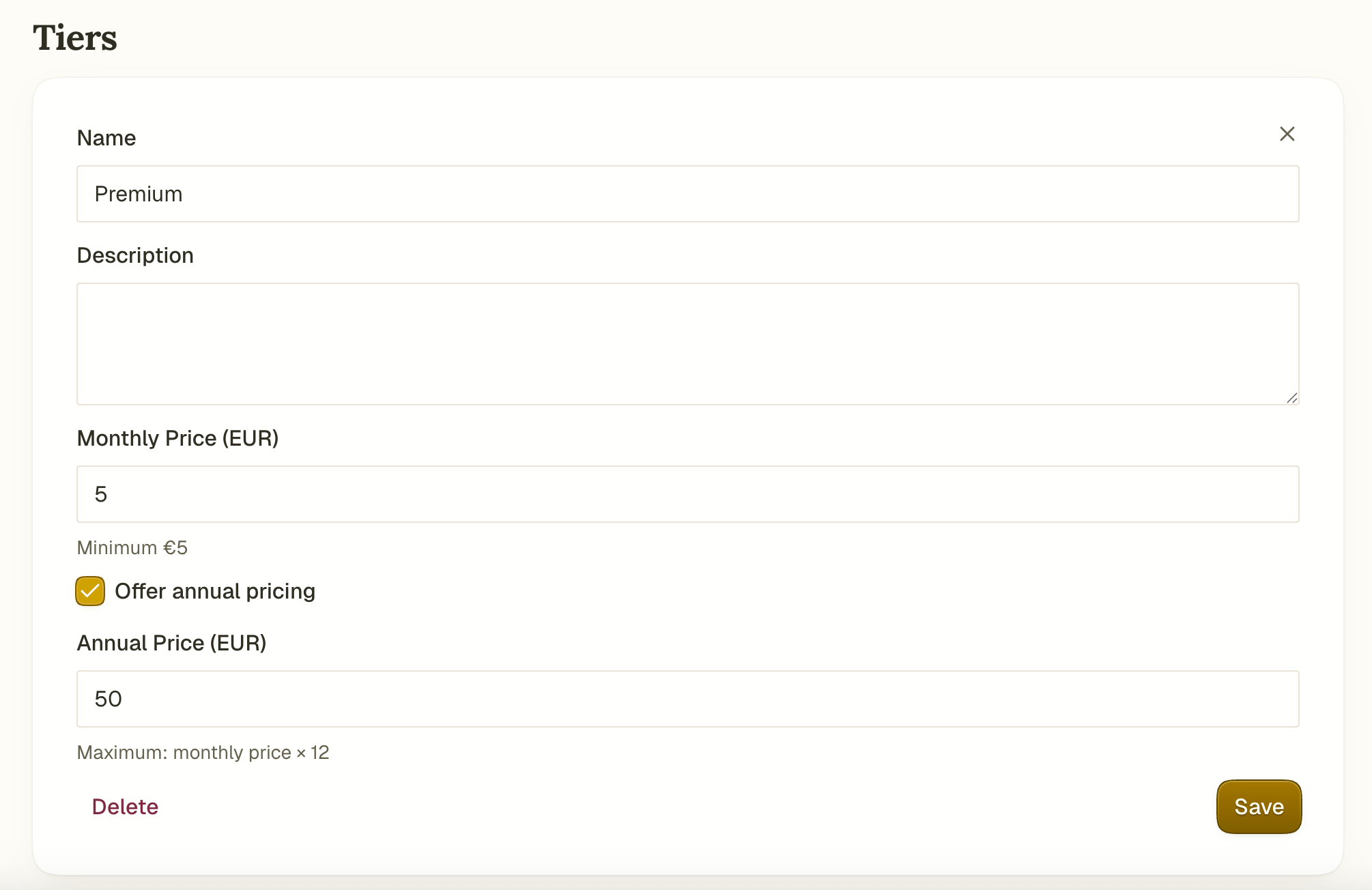
Fill in:
Name: what readers see (e.g., Supporter, Premium)
Description: optional explanation of benefits
Monthly price: minimum €5.00
Annual price: optional
Click Save to create or update the tier.
Read more to learn how content access works across tiers.
You can edit or delete tiers anytime using the pencil icon. Note: You cannot delete a tier if it’s your only one.
To see how many subscribers are on a tier, click the member count on the tier card. This takes you to Publication → Audience filtered by that tier.
Can’t find the answer you are looking for? Ask the Fika Team by clicking on the chat icon in the bottom right corner of your screen. Need a certain feature? Tell us about it in detail on the Feedback page.
Was this helpful?
Still need help? Ask the team