How to Proofread Your Writing in Fika
Written By Benjamin McBrayer
Last updated 9 months ago
Fika includes built-in proofreading tools to help improve your writing.
Open your article in the editor.
Use the Proofreader panel on the right side.
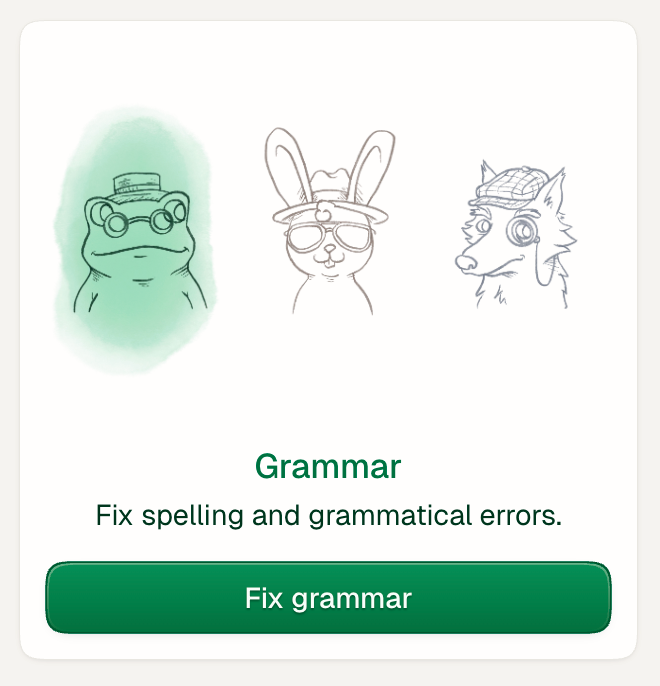
Scan grammar and spelling issues by clicking on the button in the bottom of the proofreader.
Check the highlighted words and phrases to accept or disregard the recommendation.
Fix the issues one at a time by clicking on the highlight or choose to accept or decline all changes in the side panel.
Use Lenses to receive more recommendations for changes in sentence length, rhythm, and readability.
Proofreading helps make your writing clearer and easier to read.
Was this helpful?
Still need help? Ask the team