How to create a Fika account
Written By Benjamin McBrayer
Last updated 8 months ago
Creating a Fika account is quick and free.
Go to Fika and click Create account.
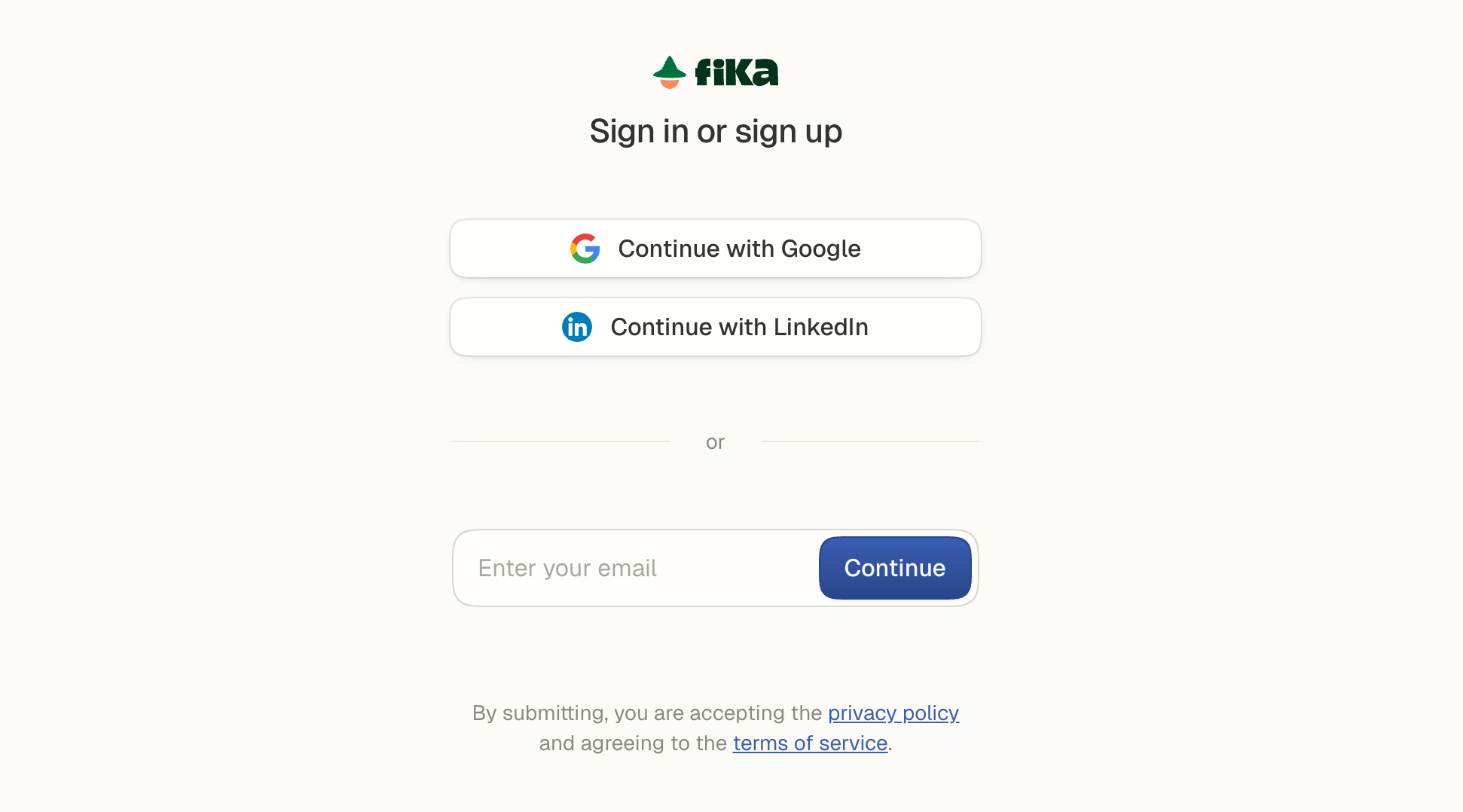
Choose how you want to sign up. You can either sign up using email, or choose to create an account using LinkedIn or Google.
Signing up with email
If you sign up with email, enter the 6-digit code sent to your inbox.
Follow the on-screen steps to finish creating your account.
Once you’re done, you’ll be taken to the Fika dashboard and can start writing right away.
Can’t find the answer you are looking for? Ask the Fika Team by clicking on the chat icon in the bottom right corner of your screen. Need a certain feature? Tell us about it in detail on the Feedback page.
Was this helpful?
Still need help? Ask the team