How to send your new article as a newsletter
Written By Benjamin McBrayer
Last updated 9 months ago
Every published article can also be sent as a newsletter.
Click Publish on your article.
Choose to send it by email to your subscribers.
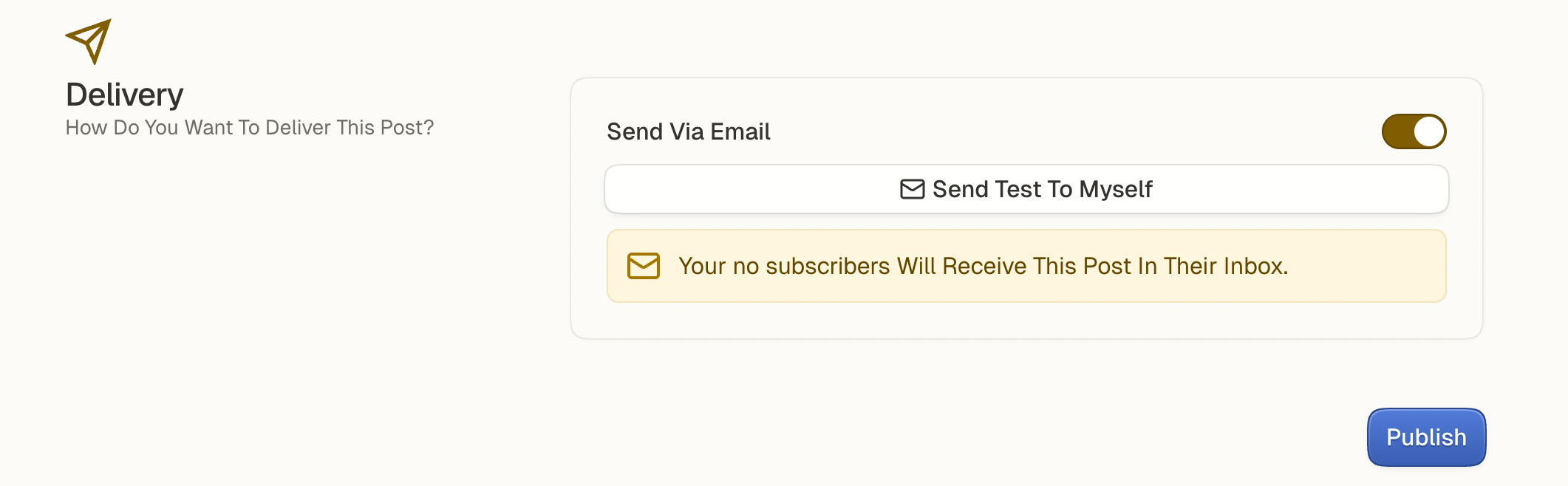
The yellow box in the central panel shows you the number of subscribers who will receive your email.
Send a test email to yourself first.
If everything looks good, send it to your full list.
Your article will arrive directly in your subscribers’ inboxes.
Was this helpful?
Still need help? Ask the team