How to set up your Writer account in Fika
Written By Benjamin McBrayer
Last updated 9 months ago
Setting up your account helps readers understand who you are.
Open Settings from the top-right corner of the dashboard.
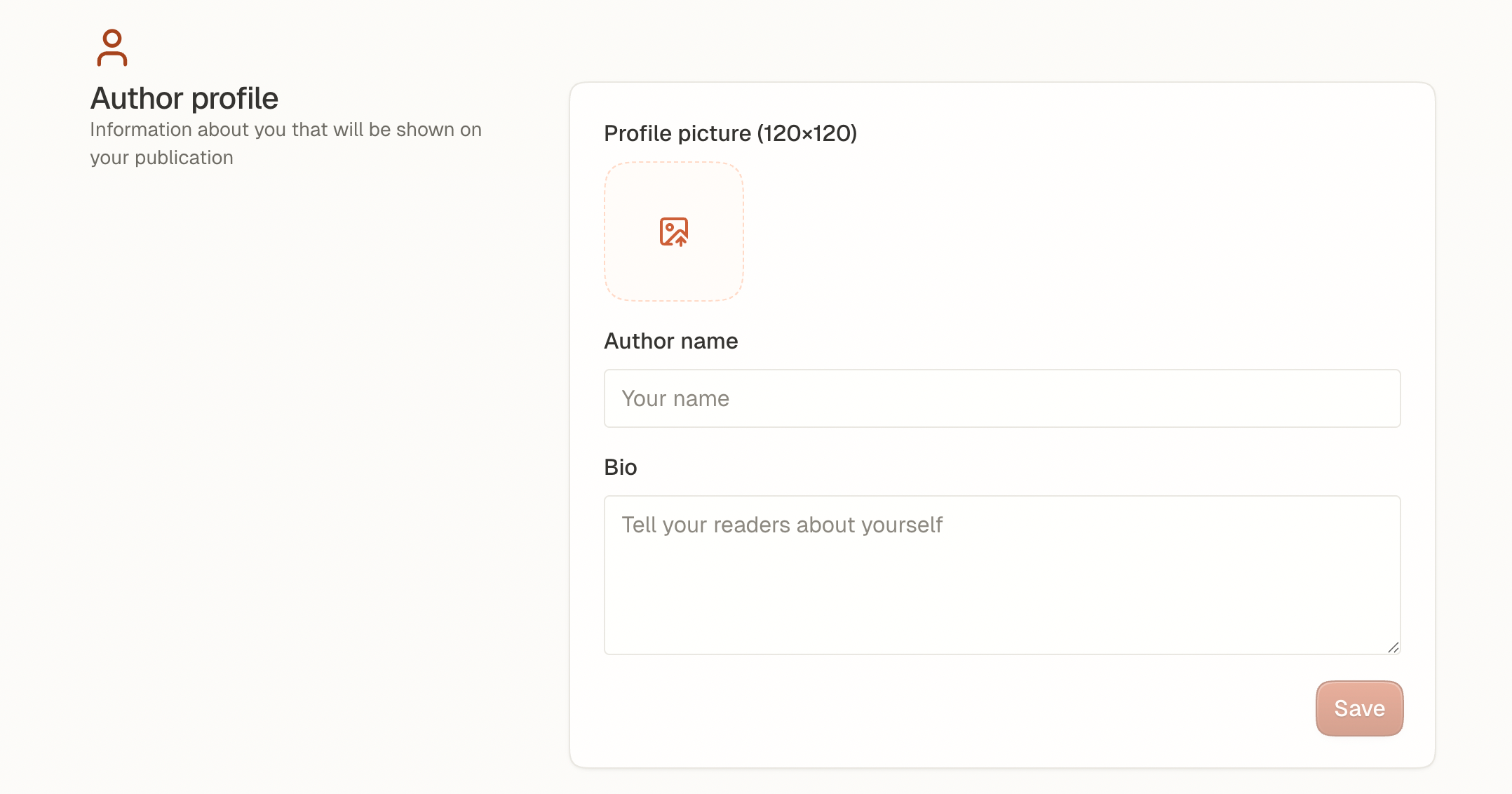
Add your name, bio, and profile picture.
Choose your preferred language. This is important for translations.
Add your social media links so readers can find you elsewhere.
Click Save when finished.
Your profile details appear on your publication and help you stand out.
Was this helpful?
Still need help? Ask the team