How to Create a Blog Post
Written By Benjamin McBrayer
Last updated 9 months ago
You write all blog posts, called Publications in the Publication tab.
Go to the Publication tab by clicking on the icon in the top center of the dashboard.

Click Create post to open the editor.

Start writing in the editor.
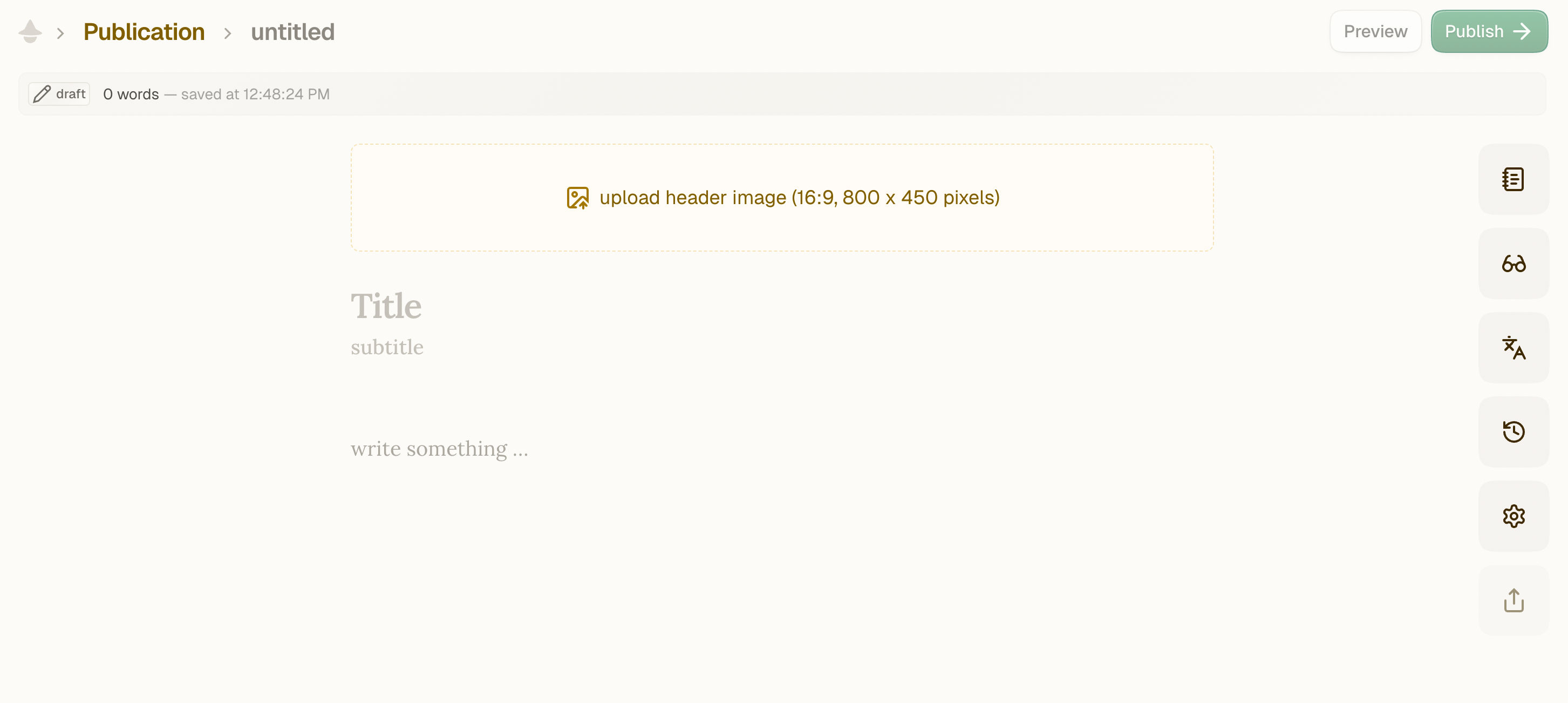
Add a header image at the top.
Add a headline and a subtitle.
Your post is saved as you write, so you don’t need to worry about losing work.
Was this helpful?
Still need help? Ask the team